Automotive · Service department
Nobody approves a repair they cannot see
Your technician is holding the worn part. Your customer is at work, being asked to spend eight hundred dollars on a description read down the phone. Send them the footage and the line items instead.
The problem
A declined estimate is usually a trust problem, not a price problem
An advisor calls mid-shift, reads out work the customer cannot see, and asks for a decision. The customer hears a number and a stranger, and says "just do the oil change." The work was real. The pitch was impossible.
What it costs you
- Recommended work gets declined because the customer has no way to verify it
- The advisor is relaying the technician’s findings secondhand, from memory
- The person who dropped the car off is often not the person who decides
- Phone tag turns a same-day approval into a two-day hold on the lift
How it is used
What service department teams send
Specific, not theoretical. These are the sends that get used most.
Availability. The service platform is enabled per account. Talk to us about turning it on for your store.
01
The technician shows what they found
Video from under the car, on the phone in their pocket: the split boot, the brake wear, the leak. The advisor then picks which clips the customer sees and hides the rest, so the page shows the finding rather than the whole inspection.
02
A quote the customer can act on, line by line
Lines group into Urgent, Recommended, Future, and Pre-Approved, each priced on its own and built from your saved services so nobody retypes a brake job. The customer taps Approve or Defer on every line and submits once.
03
A running approved total
As they work down the list the page shows what they have approved against what was quoted, so the number never arrives as a surprise at pickup.
04
The advisor is one tap away
Chat, call, text, or email the named advisor straight from the page. A customer hesitating over a line asks the question instead of deferring it.
05
A work queue that surfaces what is stuck
Needs you, With customer, Completed, plus a band showing which customers are reading their quote right now, and an age column that turns amber at three days and red at seven.
06
A record of who approved what
Every decision is stamped with who made it and when, every status change writes an activity trail, and the note can post back to your CRM.
What you will use most
The parts of Quickpage that matter here




Customers
What teams tell us
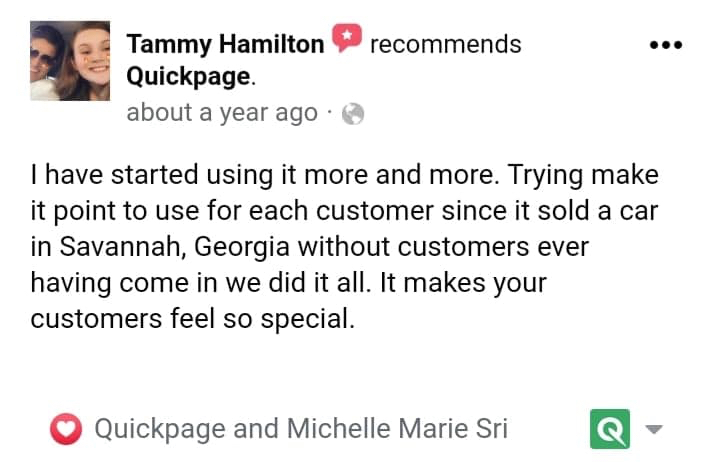
Posted publicly by service department teams using Quickpage.


Questions
Service department questions
Does this connect to our DMS?
No, and it is worth being plain about that. Quickpage does not read repair orders out of your DMS. The repair order is built in Quickpage and the RO number is typed in, so it lines up with the record in your system without pulling from it. What does flow back is the activity: shares, views, and quote decisions can post as a note to your CRM.
What does the customer actually receive?
A text and/or an email with a link to a mobile page. The video is first, the quote is underneath it, and the advisor’s contact card is below that. There is nothing to install and no account to create.
Can they approve part of the quote?
That is the point of it. Every line is approved or deferred on its own, and they submit the whole set once. Pre-approved lines are locked as approved and cannot be deferred.
Can a customer change their mind after submitting?
Not on the page: once they submit, the quote is closed and becomes a read-only receipt showing who approved what and when. If they want to change something, they chat or call the advisor and the advisor handles it.
Can an advisor approve on the customer’s behalf?
Only if you turn it on for that role, and only with a written reason. You choose whether that reason is shown on the page and whether it is sent to the customer. You can also require the customer to confirm their contact details before a decision is recorded.
Who sees which repair orders?
Technicians and advisors see their own work. Service managers and admins see the whole shop. That scoping is enforced on the server, not just hidden in the interface.
Does the quote handle tax, labor, and parts separately?
No. A line is a name, an optional description, and a price: deliberately simple, so a customer reads it in ten seconds on a phone. The page notes that taxes and fees are additional.
See it on your service department follow-up
Bring your process and your CRM to a demo. Twenty minutes, and you will know whether it fits.
No contract on Essential. Free migration from your current tool.